Your Own Online
Ordering Website

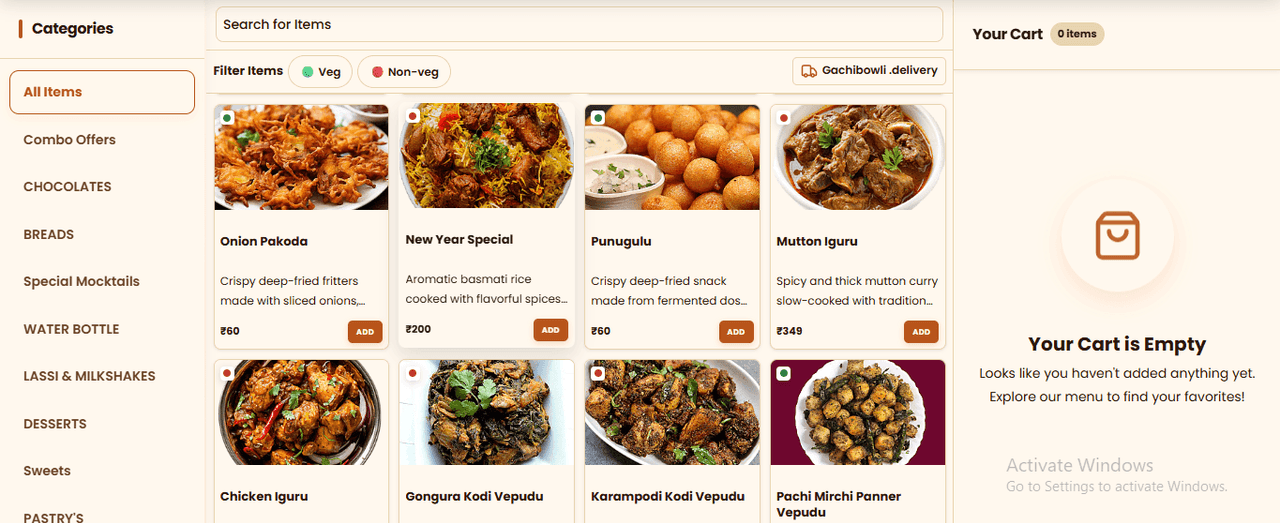
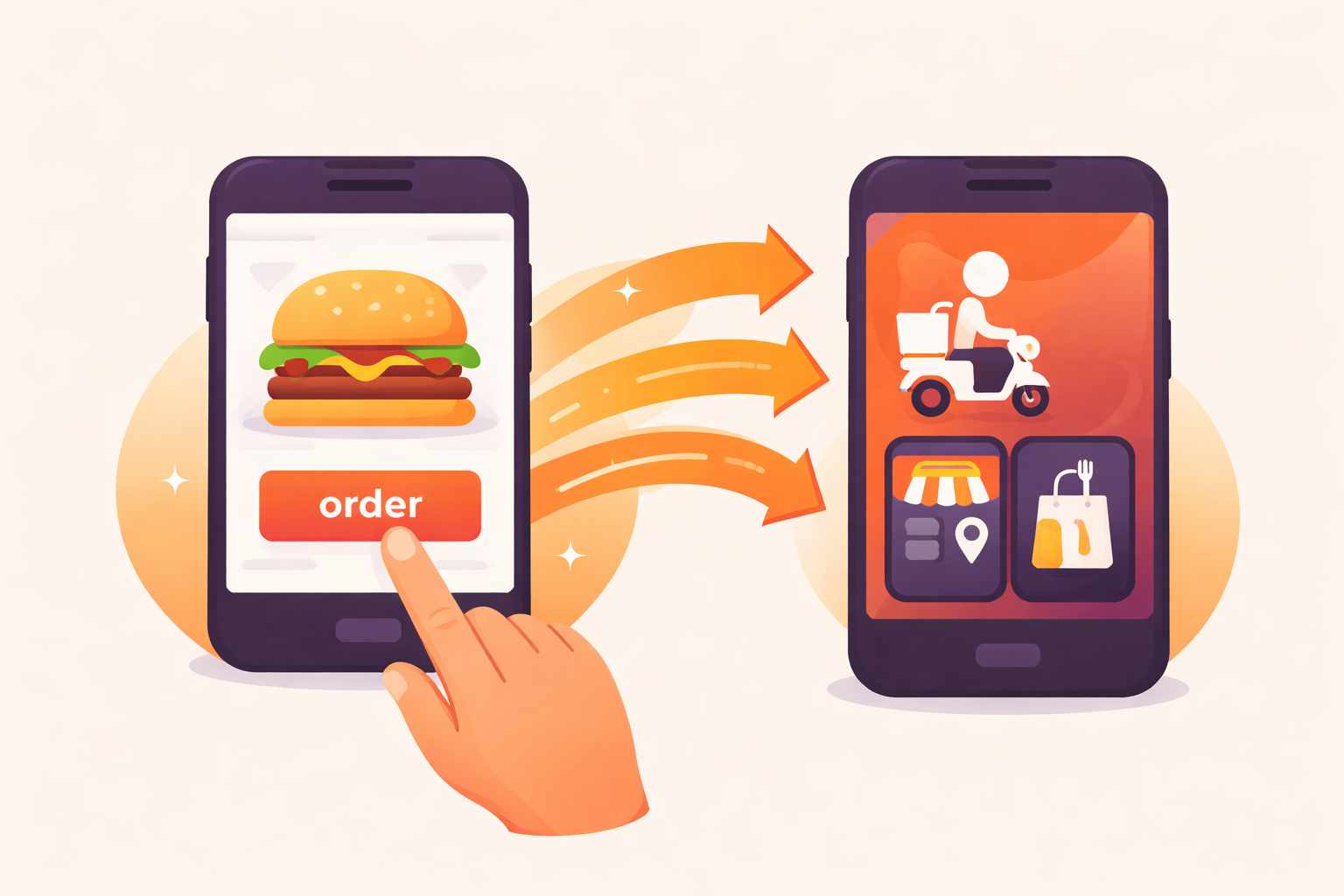
A branded ordering website for your business. Customers browse your menu, order for delivery or pickup and pay online, and every order lands in Ritaya POS. No Ritaya commission on orders placed through your own website.

No Ritaya commission
Delivery & pickup
Your own branding
24/7 support
Ritaya online ordering website

Your Own Ordering Website

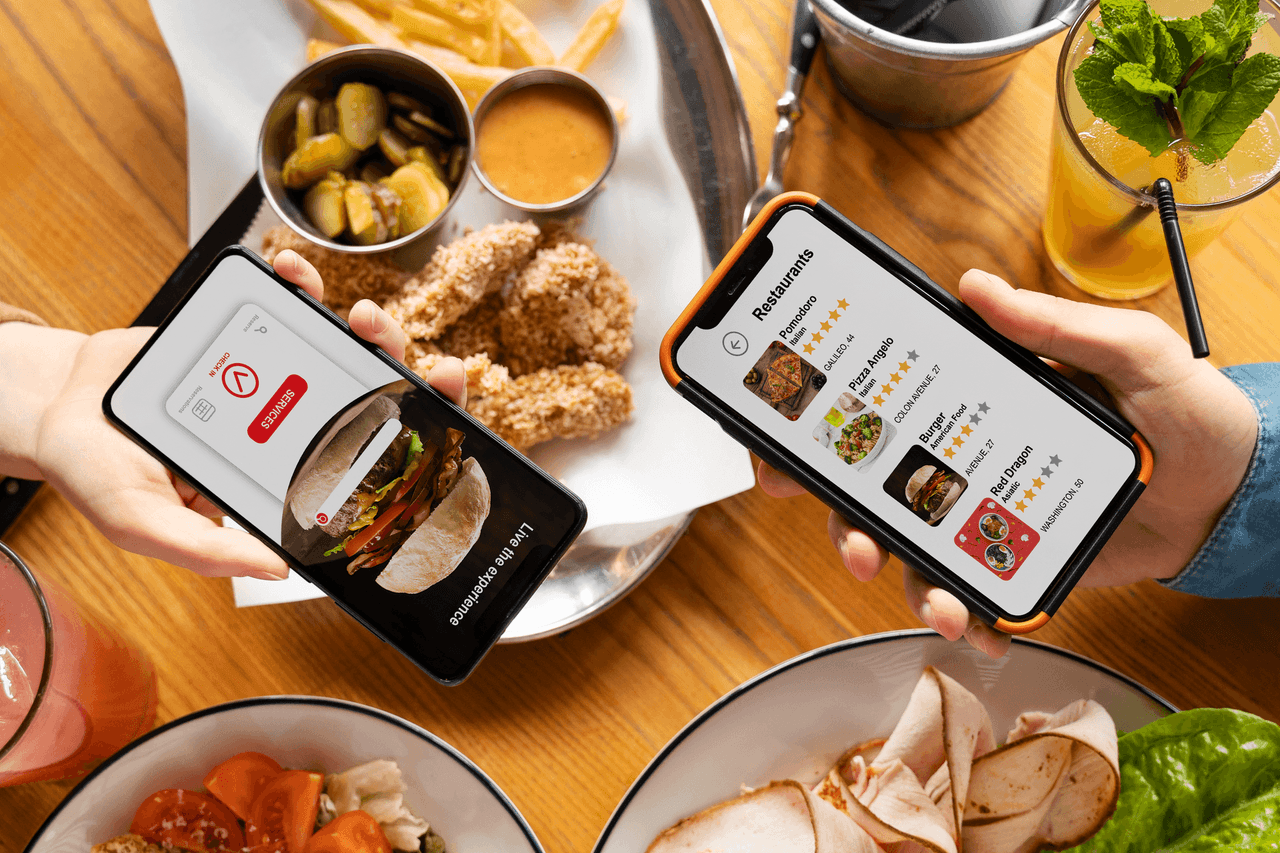
Get a branded ordering website with your logo, colours, banner and menu. Share the link on WhatsApp, Instagram or Google. Customers order directly from you, and the orders go straight into Ritaya.

  • Your logo, colours and banner applied to the site
  • Home delivery, pickup and scheduled orders
  • Online payment with Razorpay, Stripe or Cashfree (by region), or cash on delivery
  • Delivery radius check, saved addresses and a map pin for the drop-off
  • Order confirmation messages by WhatsApp or SMS, where enabled for your account
Ritaya online ordering website

What Your Customers Can Do

A complete ordering journey on your own website, on phone or desktop.

Browse & Customise

Categories, photos, variants, extras, add-ons and combos. Spice level and weight-based items are supported.

Offers & Coupons

Apply coupon codes and offers, including offers with a minimum-order condition.

Loyalty Points

Customers see their points balance and redeem points at checkout.

Order Now or Later

Choose delivery or pickup for now, or pick a time slot based on your opening hours where scheduled orders are enabled.

Several Outlets

Customers choose an outlet, and menu availability and opening hours follow that outlet.

Accounts & Saved Addresses

Sign in with a phone OTP or an email and password. Saved addresses, profile and payment history in one place.

My Orders

Order history with filters and details, cancellation with a reason, and a retry for unpaid or failed online payments.

Seven Languages

English, Spanish, French, German, Chinese, Hindi and Arabic, switchable on the site.

Cookie Consent

A cookie consent banner and policy pages are built into the website.

Coming soon: half & half pizza ordering and a choice between Air and Surface delivery at checkout.

Swiggy, Zomato & More — All in One

Ritaya connects to food aggregators through the UrbanPiper platform. Orders from Swiggy and Zomato flow directly into your POS — no second screen and no manual entry.

Swiggy Zomato Magicpin
  • Accept orders automatically or manually, per outlet
  • Kitchen tickets (KOT) print for accepted orders
  • Push menu updates from Ritaya to connected platforms
Aggregator integration

Order Aggregation Dashboard

See incoming orders — from your own website and your connected aggregators — together in Ritaya, instead of juggling several tablets.

  • Orders from your website and connected platforms in one place
  • Accept, prepare and complete orders from the same screen
  • Sales by channel report to see which channel is working
Order dashboard showing orders from several channels

Menu Sync Across Platforms

Update your menu once in Ritaya. Your own ordering website always shows your live menu, and you can push changes to your connected aggregator platforms.

  • Single-point menu management
  • Mark items unavailable in Ritaya and have availability follow on connected platforms
  • Your own website reads the live menu directly — nothing to push
Menu sync across platforms

Parcel Delivery
with ShipRocket

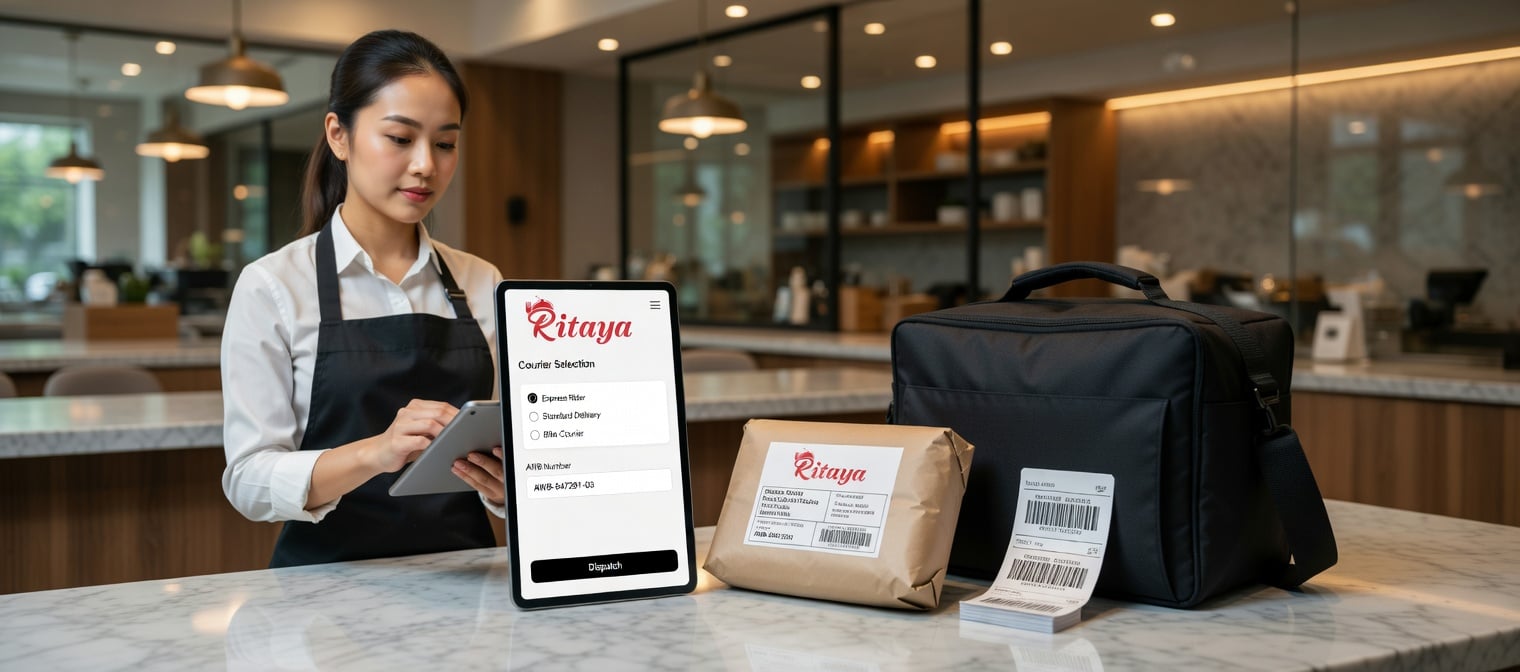
For deliveries beyond your own riders, Ritaya connects with ShipRocket. The ordering website works out the delivery fee for the customer’s pincode and the parcel weight at checkout, and you book the courier from your dashboard. Useful for retail stores and for restaurants that ship packaged food.

  • Delivery fee calculated at checkout from the customer’s pincode and the parcel weight
  • Confirm the final parcel weight before a courier is booked
  • Track a shipment from the dashboard
  • Coming soon: let customers choose between Air and Surface delivery, each with its own fee and delivery time
ShipRocket delivery integration

Why Add Your Own Ordering Website?

Marketplaces bring reach. Your own website brings a direct relationship with your customers. Ritaya lets you run both from one dashboard.

Aggregators
Reach, on their terms
  • The platform owns the customer relationship
  • Your listing and ranking are set by the platform
  • Commission and payout terms are set by each platform
RECOMMENDED
Ritaya Direct
Your brand, your customers
  • Your logo, colours and menu on your own website
  • Customer accounts, order history and saved addresses
  • Offers, coupons and loyalty points
  • Online payments through Razorpay, Stripe or Cashfree
Both Together
One dashboard
  • Website and aggregator orders in the same order screen
  • Sales by channel report to compare them
  • Push menu changes to connected platforms

Everything for Online Orders

Real-Time Notifications

Audio alert and screen notification for online orders, so a new order does not get missed during a busy service.

Estimated Delivery Time

Set the preparation time when you accept an order, so the customer knows when to expect it.

Special Instructions

Customer notes (extra spicy, no onion, add cutlery) flow directly into the KOT print, so nothing gets lost.

Online Payments

Accept online payments through Razorpay, Stripe or Cashfree (depending on your region), or take cash on delivery.

Order History

Customers can see their past orders, filter them, cancel with a reason, and retry an unpaid or failed online payment.

Sales by Channel

Compare your own ordering website with Swiggy, Zomato and other channels in a channel-wise sales report.

Online Ordering FAQs

Does Ritaya charge commission on online orders?
No. Ritaya does not charge a commission on orders placed through your own ordering website. Payment gateways charge their own fees, and marketplaces such as Swiggy and Zomato charge theirs — those go to them, not to us.
What can my customers do on the ordering website?
Browse your menu, customise items, apply offers and coupon codes, redeem loyalty points, choose delivery or pickup (now or for a later time), pay online or in cash, and see their past orders. They can sign in with a phone OTP or an email and password.
Which payment methods are supported?
Cash on delivery, and online payment through Razorpay, Stripe or Cashfree, depending on your region and setup.
Can I manage delivery and time slots?
Yes. Delivery works within a radius, opening hours decide the time slots for scheduled orders, and delivery or pickup can each be switched on or off. Delivery fees depend on how you deliver — for example, calculated by ShipRocket at checkout.
Which languages does the website support?
English, Spanish, French, German, Chinese, Hindi and Arabic. Customers can switch language on the site.
How does Swiggy/Zomato integration work?
Integration is done via the UrbanPiper platform. Once connected, orders from Swiggy and Zomato appear directly in your Ritaya POS order screen. You can also push menu updates from Ritaya to connected platforms.
Is this available for retail stores too?
Yes. The ordering website also supports retail businesses — for example there are storefront templates for apparel and sweet shops — with delivery or pickup. Aggregator integration is primarily designed for restaurants.
How does ShipRocket integration work?
Ritaya connects to ShipRocket for parcel delivery. At checkout the website works out the delivery fee from the customer’s pincode and the parcel weight, and you confirm the weight and book the courier from the dashboard. Shipment tracking is available from the dashboard too.
Is ShipRocket only for restaurants?
No. Any business that ships products to customers can use it — retail as well as food businesses.

Your restaurant deserves its own ordering channel

Stop giving 25–30% to aggregators on every order. Set up your own ordering page and keep more of what you earn.

Get Started Talk to Sales